

Description
“Local AI with Ollama & Open WebUI: Run Your Own Private AI” is a course published by the online academy Udemy, focused on running your own artificial intelligence models. You will learn how to install and configure the necessary tools, download and manage open-source language models, and build a user-friendly interface to interact with AI directly on your own computer. The course explores how local AI systems can assist with tasks such as text generation, coding support, document analysis, and daily productivity—all without relying entirely on cloud-based AI services. You will grasp key concepts—including model selection, local inference, system requirements, configuration, and performance optimization—while learning how to create a more private and customizable AI environment.
The course also covers practical methods for managing models and troubleshooting common setup issues, helping you make the most of locally hosted AI tools. Whether you are a developer, a tech enthusiast, or a privacy-conscious user, this course offers a hands-on introduction to running and managing your own AI assistant using Ollama and Open WebUI. Throughout the course, you will gain an understanding of local AI, learn to select the right hardware and models, install and run Ollama as a service, measure and tune performance, create custom model versions, set up Open WebUI for a team, utilize local AI agents (such as Claude Code), and build automation workflows using n8n and Python. This path provides a deep, practical understanding of how these concepts are applied in real-world scenarios, preparing you to implement local AI safely and professionally.
What you will learn in Local AI with Ollama & Open WebUI: Run Your Own Private AI:
- Understanding local AI: model, runtime and interface – and why your data stays in-house.
- Choosing the right hardware and model, even entirely without a GPU.
- Installing Ollama on Linux and Windows and running it as a service on the network.
- Measuring and tuning speed: threads, quantization, context and mixture of experts.
- Building your own model variants with Modelfiles, such as a Linux admin assistant.
- and …
Course specifications
Publisher: Udemy
Instructors: Devops Learning and Devops Lernen
Language: English
Level: Introductory to Advanced
Number of Lessons: 64
Duration: 4 hours and 57 minutes
Course topics
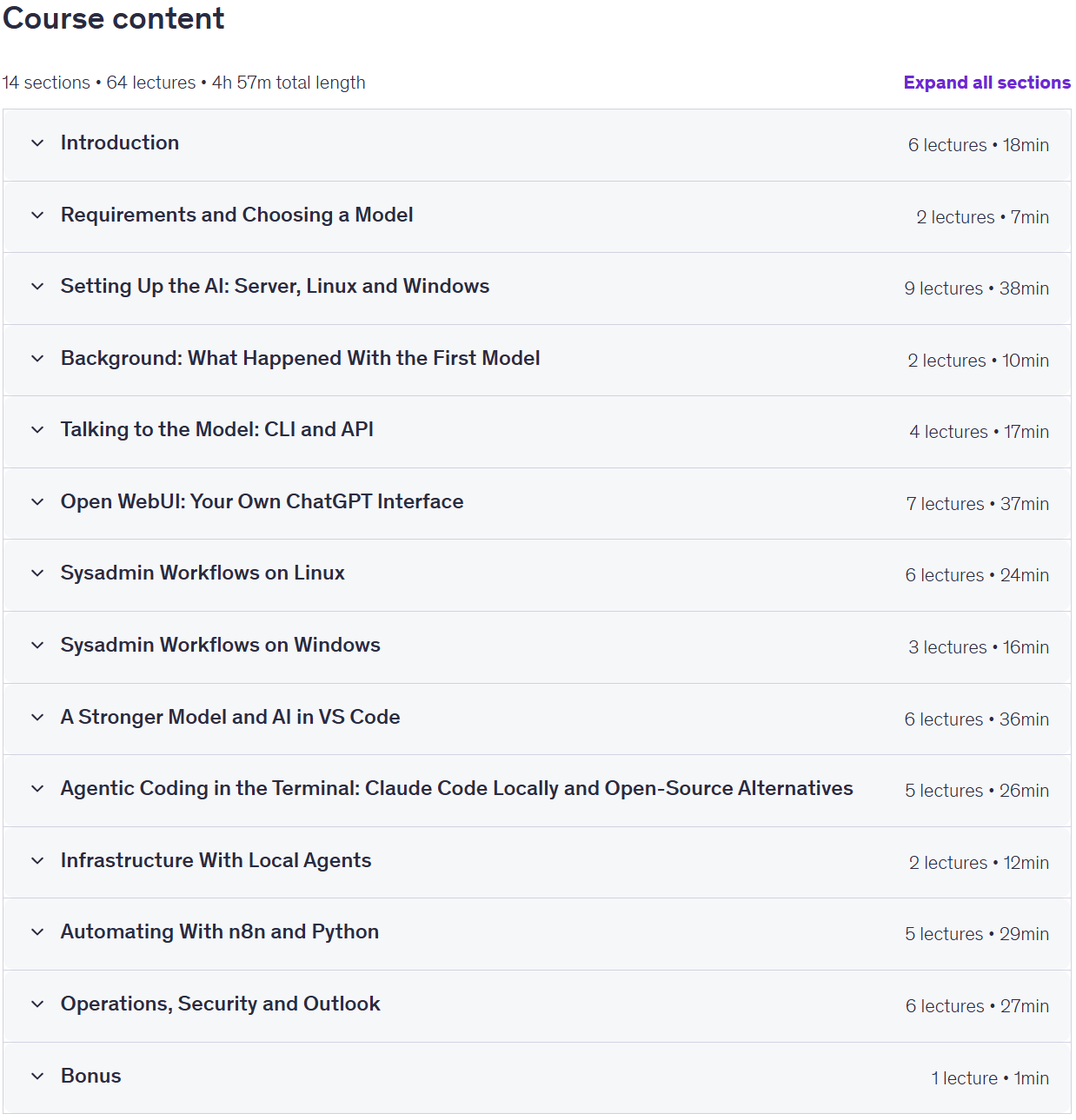
Local AI with Ollama & Open WebUI: Run Your Own Private AI Prerequisites
NO experience with AI models required.
Basic knowledge of Linux and the command line is helpful.
A computer with at least 32 GB of memory (or a VM on Proxmox VE) to reproduce the content yourself – no GPU needed.
Pictures
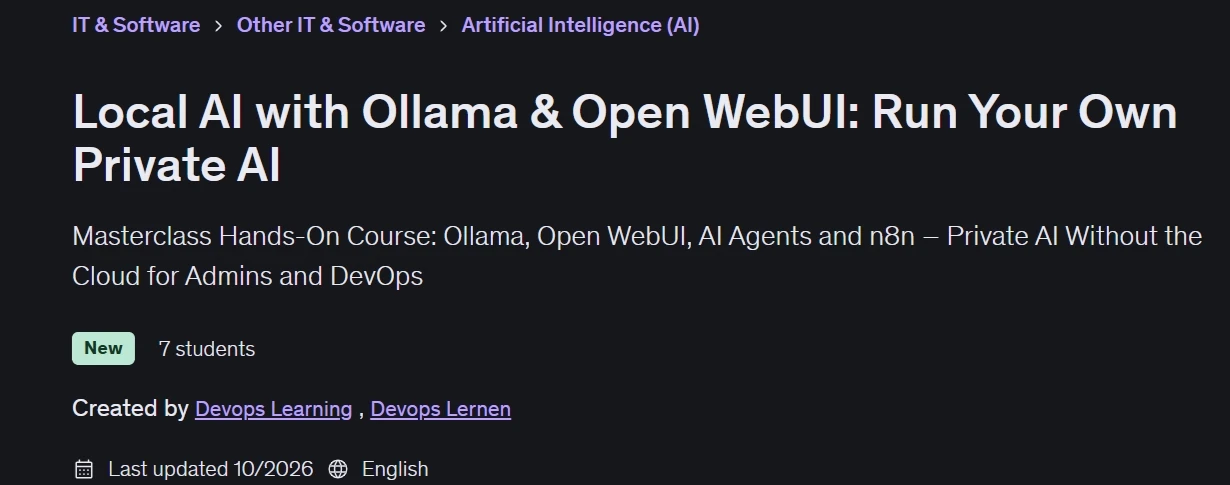
Local AI with Ollama & Open WebUI: Run Your Own Private AI introduction video
Installation guide
After Extract, watch with your favorite Player.
English subtitle
Quality: 1080p
Downloadly link
Rapidgator link
File password (s): www.downloadly.ir
Size
1.7 GB