


Descriptions
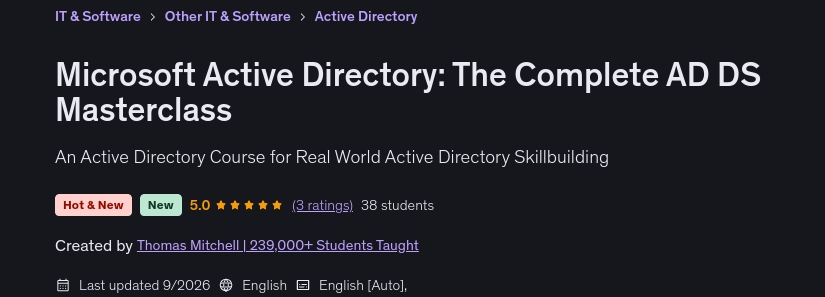
Microsoft Active Directory: The Complete AD DS Masterclass, Active Directory is the technology everyone inherits and almost nobody was actually taught. You get handed a domain that somebody built fifteen years ago. The OU structure makes no sense. There are groups nested inside groups nested inside groups. Group Policy is a pile of overlapping GPOs that work, mostly. And when replication breaks or logons slow to a crawl, you’re expected to fix it, even though nobody ever explained how any of it fits together. This course fixes that. It teaches you the model behind Active Directory: how it thinks, why it behaves the way it does, and then puts your hands on the keyboard so you can actually work with it. If you already have your own Active Directory lab, you can use it. But if you want a ready-made environment to follow along with, I include a downloadable Azure ARM template in the very first section of the course. The template deploys the Azure networking and three Windows machines used throughout the lab environment. Instead of spending your time manually building the infrastructure first, you can deploy the template and then focus on learning Active Directory. The template gives you the starting infrastructure. It does not build Active Directory for you. You will do that yourself as the course progresses. You’ll install Active Directory Domain Services, promote the domain controller, configure DNS, join the member server and client to the domain, create users and groups, build Organizational Units, configure Group Policy, work with replication, and complete the hands-on exercises along the way. So whether you use the included Azure lab, your own virtual machines, or an existing test environment, you can follow along hands-on.
What you’ll learn
- Deploy and manage domain controllers, from installing the AD DS role to promoting and decommissioning DCs
- Design an OU structure that actually holds up as your organization grows
- Manage users, groups, and computers at scale with both the GUI and PowerShell
- Apply group scope strategy (global, domain local, universal) the way Microsoft intended and know when to break the rules
- Build, link, and troubleshoot Group Policy Objects, and diagnose GPOs that refuse to apply
- Understand how Kerberos authentication and authorization actually work under the hood
- Configure sites, subnets, and site links to control replication across WAN connections
- Diagnose replication failures using repadmin and dcdiag
- Automate everyday AD administration with PowerShell
- Understand how AD DS, Entra ID, and Entra Domain Services fit together in a hybrid identity design
- Build and run your own three-server AD lab in Azure with a one-click template or on your own hardware
Who this course is for
- IT professionals who inherited an Active Directory environment and need to truly understand it
- Help desk and desktop support technicians moving up into systems administration
- Sysadmins who learned AD on the job and want to fill in the gaps with a proper foundation
- Anyone preparing for a Windows Server administration role
Specificatoin of Microsoft Active Directory: The Complete AD DS Masterclass
- Publisher : Udemy
- Teacher : Thomas Mitchell | 239,000+ Students Taught
- Language : English
- Level : Beginner
- Duration : 13 hours and 27 minutes
Content of Microsoft Active Directory: The Complete AD DS Masterclass
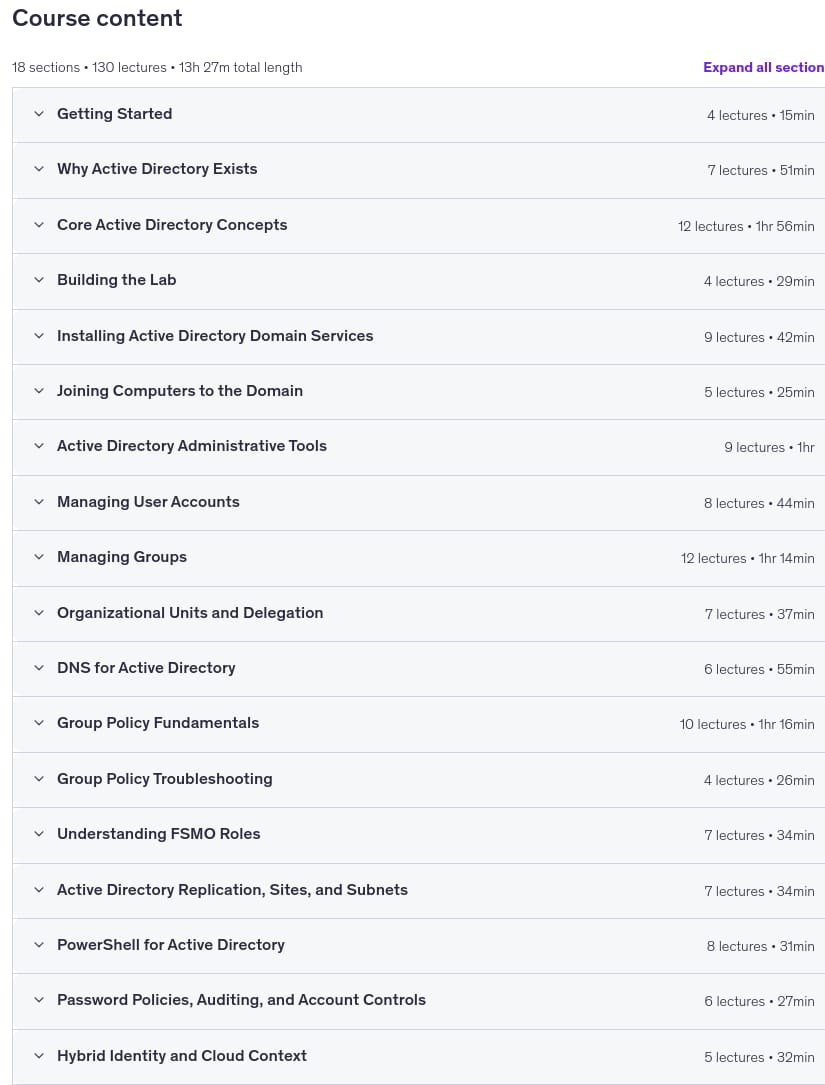
Requirements
- Basic familiarity with Windows Server you should be comfortable navigating Server Manager and using RDP
- A computer capable of running the lab (an Azure subscription or a machine that can run Hyper-V the Azure subscription is optional, and a free trial works fine)
- No prior Active Directory experience required we start from the beginning
Pictures
Sample Clip
Installation Guide
Extract the files and watch with your favorite player
Subtitle : Not Available
Quality: 1080p
Download Links
Password file(s): www.downloadly.ir
File size
2.84 GB