

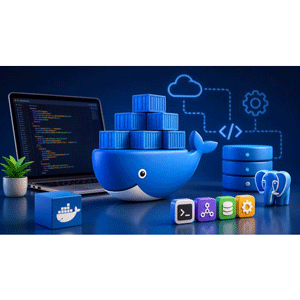
Description
Docker Essentials: Build Real Containers, Images & Docker Co is a course on using Docker to build, run, manage, and deploy containerized applications published by Udemy Online Academy. Suitable for beginners, developers, DevOps engineers, and IT professionals, this course starts with the basics of containers and progresses to building custom Docker images, managing containers, configuring networking and storage, and orchestrating multi-container applications with Docker Compose. Learners will learn about Dockerfiles, image optimization, container lifecycle management, environment variables, volumes, networking, registries, and application configuration, while working through real-world development and deployment workflows. Rather than remaining purely theoretical, the course is built around practical, project-based exercises that mimic how containers are actually used in modern software teams. You’ll walk through the steps of running your first container, writing efficient Dockerfiles, tagging and optimizing images, and managing the entire container lifecycle — starting, stopping, inspecting, and cleaning up resources like a real developer.
Along the way, you’ll learn how to keep application and database data secure using Volumes, and how to connect services together through Docker’s networking model so that containers can communicate reliably with each other. The centerpiece of this course is building a real, production-ready application: a Node.js backend connected to a PostgreSQL database, fully containerized, and integrated with Docker Compose. This gives you hands-on experience with the kind of multi-container setup used in real deployments, including configuring the environment, service dependencies, and publishing images to Docker Hub to share applications across the team. By the end, you will not only be comfortable with running Docker commands, but you will also be able to design portable, repeatable, and ready-to-use container systems for real development and deployment work.
What you will learn in Docker Essentials: Build Real Containers, Images & Docker Co:
- Run, manage, and troubleshoot Docker containers with confidence in real development environments
- Build custom Docker images and Dockerfiles for web applications and backend services
- Use Docker Volumes to persist application and database data safely across container restarts
- Configure Docker Networking to enable communication between containers and services
- Containerize Node.js applications and connect them to PostgreSQL databases
- Build and manage multi-container applications using Docker Compose
- Publish Docker images to Docker Hub and share applications with teams
- Build a complete production-style Docker application using Node.js, PostgreSQL, Volumes, Networks, and Compose
- and …
Course specifications
Publisher: Udemy
Instructors: Sudip Bhattacharyya
Language: English
Level: Introductory to Advanced
Number of Lessons: 25
Duration: 8 hours and 49 minutes
Course topics
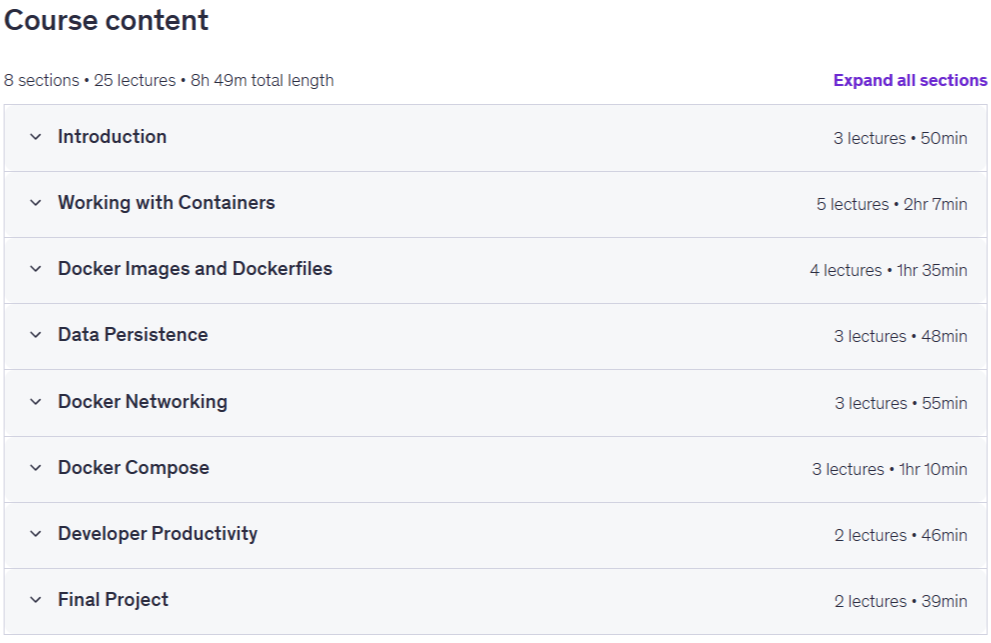
Docker Essentials: Build Real Containers, Images & Docker Co Prerequisites
Basic computer skills and familiarity with using a terminal or command prompt.
No prior Docker experience required.
A Windows, macOS, or Linux computer capable of running Docker Desktop.
Basic understanding of software development concepts is helpful but not required.
Optional: Familiarity with Node.js or web development can help during application examples.
Pictures
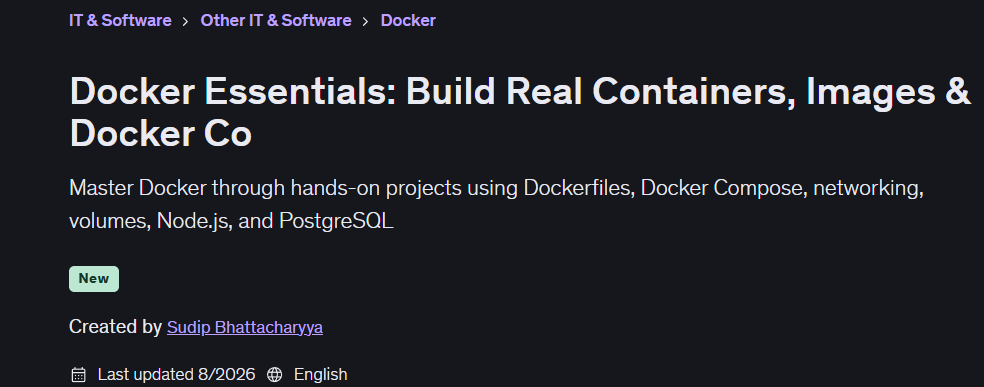
Docker Essentials: Build Real Containers, Images & Docker Co introduction video
Installation guide
After Extract, watch with your favorite Player.
English subtitle
Quality: 1080p
Downloadly link
Rapidgator link
File password (s): www.downloadly.ir
Size
4.1 GB