

Descriptions
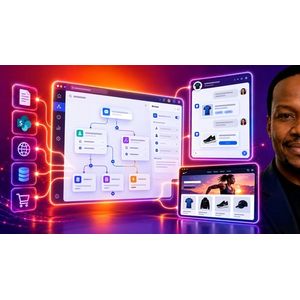
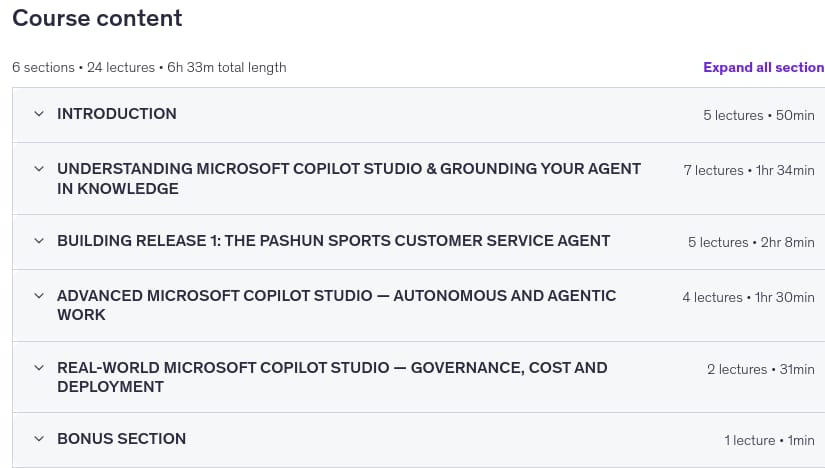
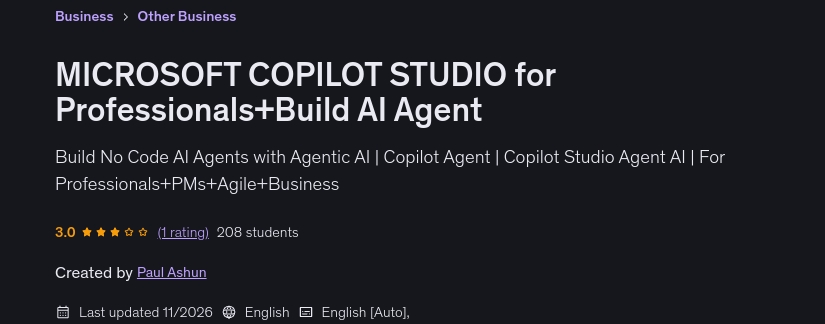
MICROSOFT COPILOT STUDIO for Professionals+Build AI Agent, This course uses artificial intelligence. LIVE COURSE – CONTINUOUSLY UPDATED. This course is continuously updated as Microsoft releases new Copilot Studio capabilities, ensuring you always learn the latest version of the platform. Microsoft Copilot Studio: The Complete Guide is an outcome-focused course for professionals who want to build real AI agents without coding. Rather than simply navigating settings screens, you will build practical agents throughout the course. Every section concludes with a working agent built for Pashun Sports T-Shirts, the real business used in all demonstrations. You will start by creating your first agent, then build the Pashun Sports Customer Service Agent. You will finish by creating the Pashun Sports Project Risk Report Agent and an Inbox Sort and Respond workflow, then publish and govern your agents. If you have been asked to do something with Copilot and want a clear, practical path from beginner level to deploying an agent, this course is for you.
What you’ll learn
- Understand what AI agents are, where they sit on the autonomy scale, and why Microsoft Copilot Studio changes how professionals work
- Navigate Microsoft Copilot Studio with confidence and understand licensing, Copilot Credits, and how agent usage is charged
- Choose the right build method for any project using the Standard, GitHub Copilot, and Copilot Chat harnesses
- Create your first agent, write effective agent instructions, and test and iterate quickly using the built-in test panel
- Ground agents in your own documents, SharePoint, OneDrive, and websites, then validate answers with Work IQ
Who this course is for
- Professionals, Project Managers, Scrum Masters, and business professionals who want to build real AI agents in Microsoft Copilot Studio with no coding required
- Knowledge workers in Microsoft 365 organizations who have been asked to do something with Copilot and want a working agent
- Agile Coaches and Delivery Leads who want to automate reporting, stakeholder updates, and team workflows using Agentic AI
- Founders and small business owners who want an AI customer service agent and automated sales reporting without hiring developers
Specificatoin of MICROSOFT COPILOT STUDIO for Professionals+Build AI Agent
- Publisher : Udemy
- Teacher : Paul Ashun
- Language : English
- Level : Beginner
- Number of Course : 22
- Duration : 6 hours and 40 minutes
Content on 2026-11
Requirements
- No Coding Required. You will not write a single line of code. Every agent, flow and workflow in this course is built visually.
- Access to Microsoft Copilot Studio. A trial is enough to start, and Lecture 3 explains licensing and Copilot Credits.
- No prior experience with Microsoft Copilot Studio, Power Platform or Power Automate is needed. We start from the very first click.
Pictures
Sample Clip
Installation Guide
Extract the files and watch with your favorite player
Subtitle : Not Available
Quality: 1080p
Download Links
Password file(s): www.downloadly.ir
File size
3.45 GB