

Description
Google Workspace (G Suite) Admin – The Complete Course. This course is a complete and advanced program for comprehensive Google Workspace administration that helps system administrators and IT professionals learn how to set up, secure, configure, and professionally manage its various services. Formerly known as G Suite, this course is one of the most comprehensive and in-depth courses for mastering Google Workspace administration. This series is designed for people who want to set up new user accounts for companies, schools, or organizations without any ambiguity and in a principled manner. It is also a great option for current administrators who are migrating from platforms like Microsoft 365 or seeking to obtain a professional Google Workspace administration certification. In this course, learners will learn step-by-step and technically how to set up domains, configure security settings, use data loss prevention (DLP) in Google Drive and Gmail, manage email flows, and create routing rules. In addition, advanced topics such as managing Android, iOS, Windows, and Chromebook devices, integrating with Active Directory and Azure, configuring single-factor authentication, and using scripts to extend domain capabilities are fully covered, so that participants are fully prepared to enter the job market and pass international exams.
What you will learn
- Setting up a new Google Workspace account and setting up the required DNS records including MX, SPF, DKIM, and DMARK
- Manage users and groups, create, delete, and edit accounts, and configure the Organizational Unit (OU) structure.
- Manage resources and buildings, create and configure calendars, rooms, and various facilities in Google Workspace
- Extend and integrate Google Workspace with Azure and on-premises Active Directory and use automation tools
- Complete management of Android, iOS, Windows, and Chrome OS devices
- Advanced Gmail management, configuring email flow rules, content compliance, attachment compliance, and email security
- Manage Google Drive, internal and external sharing settings, and implement data loss prevention policies
- Manage core Google Workspace applications, directory, calendar, and user access control
- Use audit reports, monitor service consumption, and configure alerts in the system
- Methods and tools for migrating data from other services into Google Workspace
This course is suitable for people who:
- Current system administrators responsible for managing Google Workspace
- IT managers who want to start working with Google Workspace from scratch
- IT professionals and managers who intend to obtain the international Google Workspace Management Professional Certification
- People who want to gain a deep, technical understanding of how the security and management architecture of Google’s cloud tools works
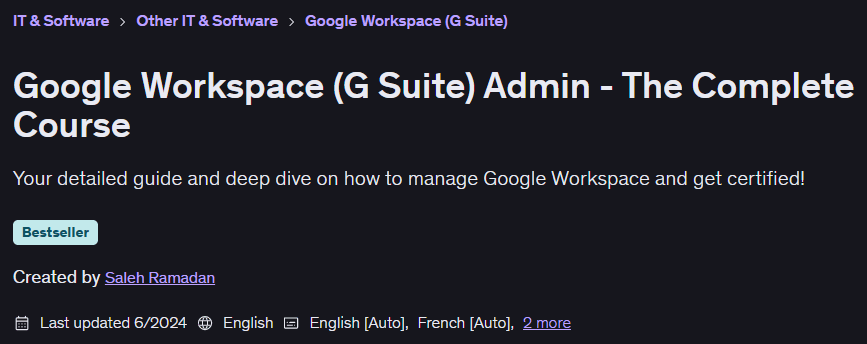
Google Workspace (G Suite) Admin Course Details – The Complete Course
- Publisher: Udemy
- Instructor: Saleh Ramadan
- Training level: Beginner to advanced
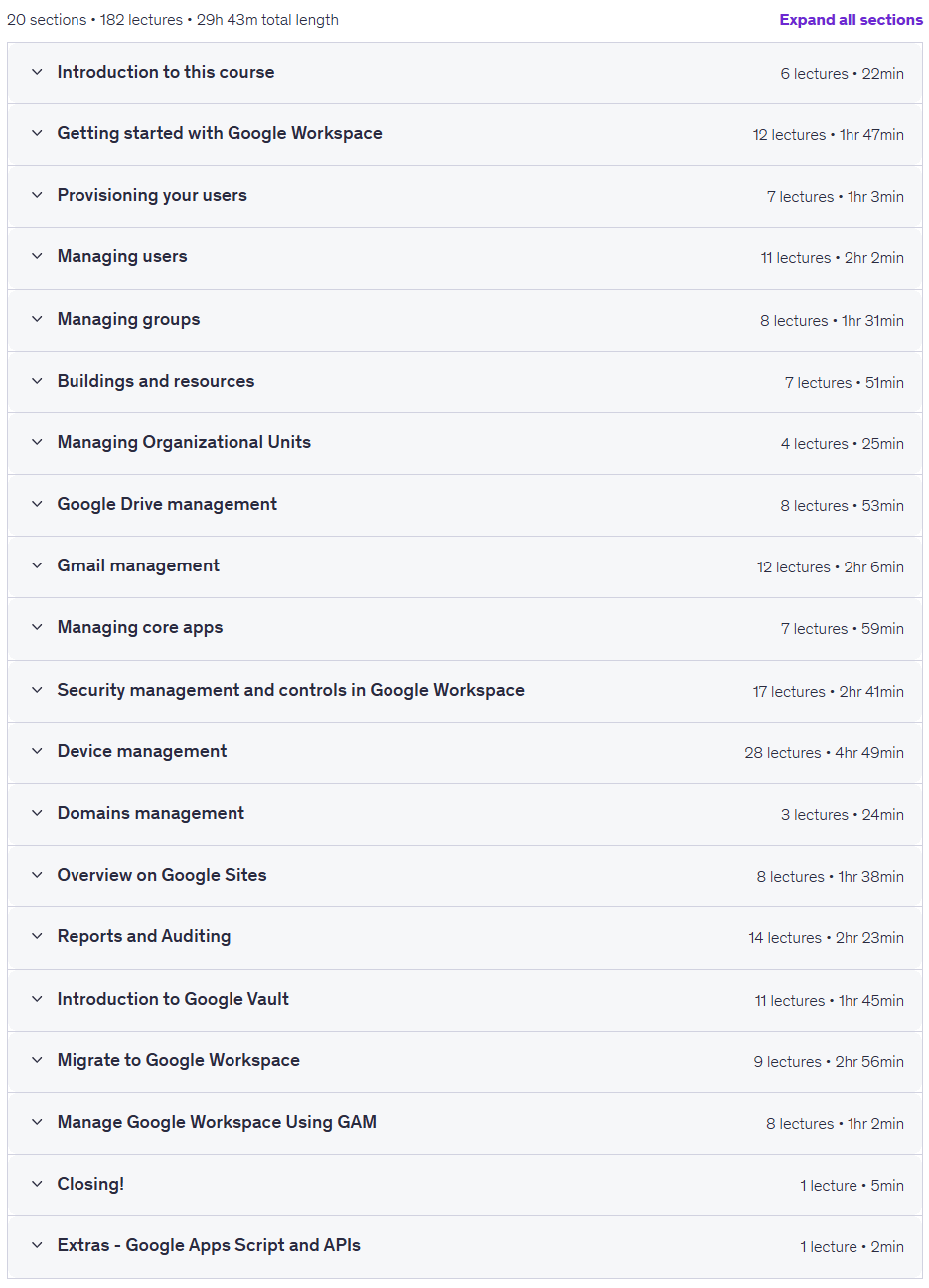
- Training duration: 29 hours and 43 minutes
- Number of lessons: 182
Course headings
Prerequisites for the Google Workspace (G Suite) Admin course – The Complete Course
- Obviously an internet connection 😀
- You should have knowledge on some basic IT concepts
- You need to have an active domain name to be able to create your own Google Workspace Admin Console
Course images
Sample course video
Installation Guide
After Extract, view with your favorite player.
Subtitles: English
Quality: 1080p
Download link
Rapidgator link
File(s) password: www.downloadly.ir
File size
14.2 GB