


Description
Docker for Software Development: Docker Compose. This course is a comprehensive, hands-on learning tool for Docker Compose, which helps software developers easily and automatically manage multi-container applications and integrate their development environments. This course explores how to use Docker Compose to build images, run multi-container applications, manage service configurations, and troubleshoot issues to optimize the software development process and keep the work environment consistent. Working with containers can quickly become complex and unwieldy if you constantly build images, connect networks, and manually run services. In this specialized course, learners learn how to standardize and automate their container workflows using Docker Compose. In the introductory sections, participants will see how Docker Compose works, how the YAML file structure defines different services, and how a single file can replace lengthy Docker commands. Next, they will learn how to build images from a Docker Compose file and customize them using tools like contexts, custom Docker files, and build arguments. Then, they will explore key service settings, including ports, volumes, environment variables, and bridge networks, so that containers run in sync and can communicate with each other. Finally, they will be introduced to the practical Docker Compose commands that developers use on a daily basis, such as starting and stopping stacks, checking container status, viewing logs, accessing the container environment, and even scaling services to simulate multi-instance architectures. Upon completion of this course, participants will gain the skills necessary to build, configure, run, troubleshoot, and manage multi-container applications using Docker Compose in their software development process.
What you will learn
- How to use Docker Compose to standardize and automate container workflows in software development
- Understand how YAML file structure works in defining services and replacing long Docker commands with a single file
- Build container images from a Docker Compose file and customize the build process using custom Docker files
- Configure basic service settings including ports, storage volumes, environment variables, and bridge networks
- Run routine Docker Compose commands to manage stacks, check status, view logs, and scale services
This course is suitable for people who:
- Software developers who want to simplify their development process and have a consistent work environment
- Developers who are struggling with managing multiple containers manually and are looking for automation
- People who want to learn how to build, configure, and troubleshoot multi-container applications in a hands-on way
- Those who want to use the Docker Compose tool to professionally manage services and stacks in their projects
Docker for Software Development: Docker Compose course details
- Publisher: Pluralsight
- Instructor: Dan Wahlin
- Training level: Beginner
- Training duration: 1 hour and 29 minutes
Course headings
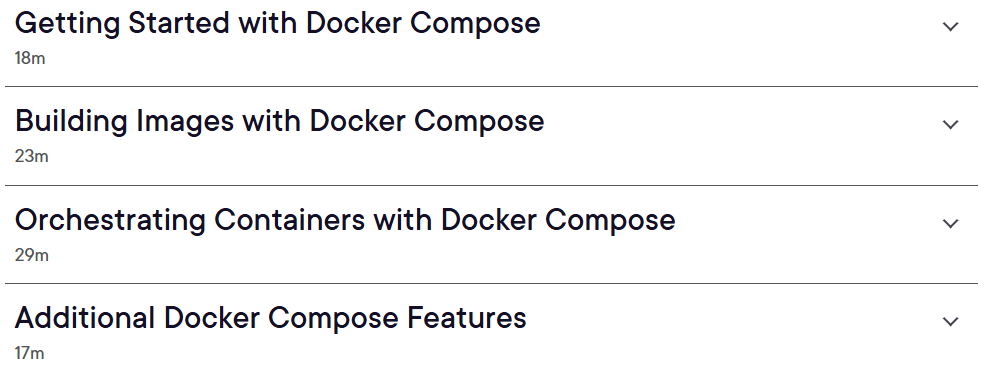
Course images
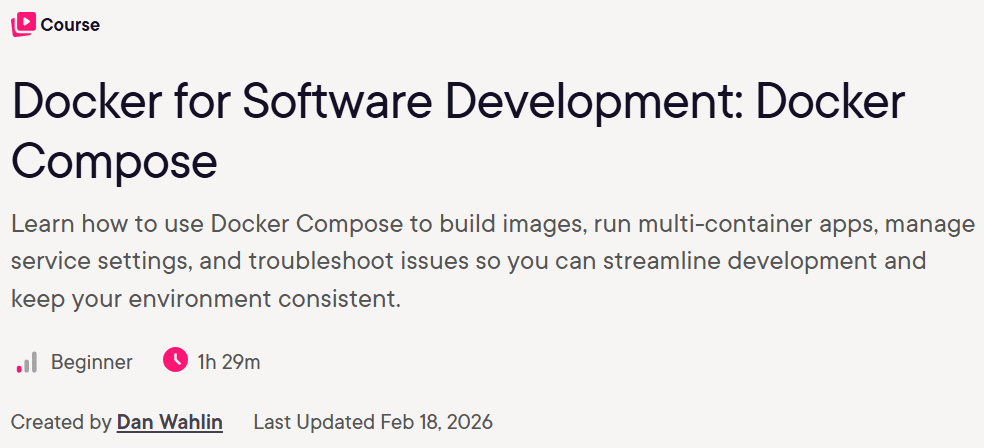
Sample course video
Installation Guide
After Extract, view with your favorite player.
Subtitles: English
Quality: 720p
Download link
Rapidgator link
File(s) password: www.downloadly.ir
File size
152 MB