

Description
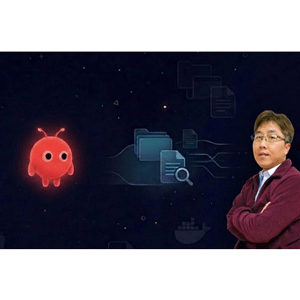
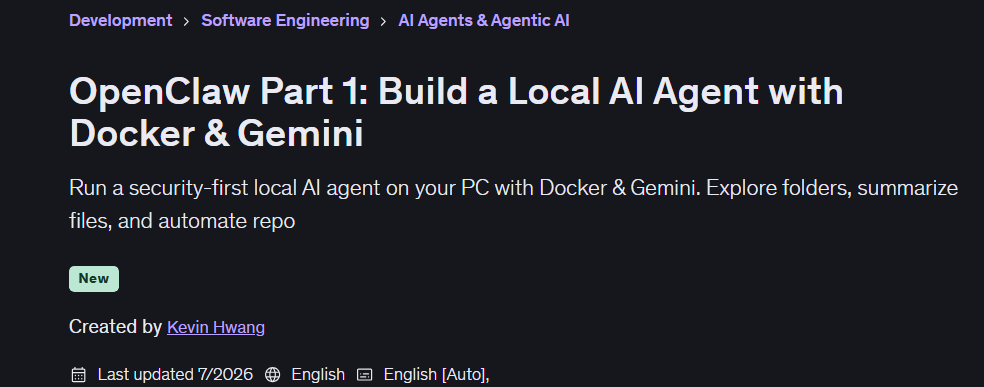
OpenClaw Part 1: Build a Local AI Agent with Docker & Gemini is a course on building and running a local AI agent using OpenClaw, Docker, and Google’s Gemini frameworks, published by Udemy Online Academy. Designed for developers, AI enthusiasts, automation professionals, and beginners exploring agent-based AI, this course guides learners through setting up the required environment, containerizing the agent, connecting an AI model, and creating an agent that can interact with tools and execute tasks. Students will explore local AI agent architecture, Docker-based deployment, Gemini integration, configuration, environment management, and basic agent workflows.
In this course, you will build a self-hosted AI agent with OpenClaw that actually does things for you: scan folders, summarize documents, and produce clear reports locally. This course is designed for budding developers, tech-savvy professionals, and independent makers who want to go beyond copy-pasting commands into a web interface. This way, you’re not just building “another cool demo” – you’re building a local AI agent with security in mind from day one.
What you will learn in OpenClaw Part 1: Build a Local AI Agent with Docker & Gemini:
- Build and run a local OpenClaw AI agent on your own PC using Docker
- Connect Google Gemini 2.5 Flash as the “brain” of your OpenClaw agent
- Set up a clean `config` and `workspace` folder structure for your agent’s files
- Let your agent explore a folder and automatically generate human-readable summary reports
- Apply a security-first mindset to OpenClaw by using Docker sandboxing and avoiding common misconfigurations
- Understand when to use a local PC, an old laptop, or a VPS to host your AI agent
- and …
Course specifications
Publisher: Udemy
Instructors: Kevin Hwang
Language: English
Level: Introductory to Advanced
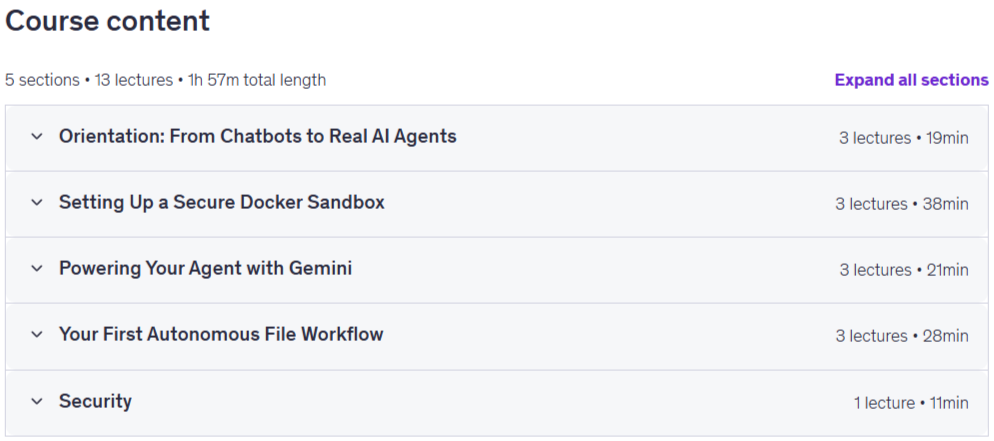
Number of Lessons: 16
Duration: 2h 13m
Course topics on 2026/7
OpenClaw Part 1: Build a Local AI Agent with Docker & Gemini Prerequisites
Basic computer skills and ability to install software on your machine
Comfortable reading and typing simple commands in a terminal or command prompt
A Windows or macOS computer that can run Docker Desktop
A Google account to access Google AI Studio
Interest in security and self-hosted tools is a plus, but not required
Pictures
OpenClaw Part 1: Build a Local AI Agent with Docker & Gemini introduction video
Installation guide
After Extract, watch with your favorite Player.
Subtitle: None
Quality: 1080p
Downloadly link
Rapidgator link
File password (s): www.downloadly.ir
Size
1.1 GB