

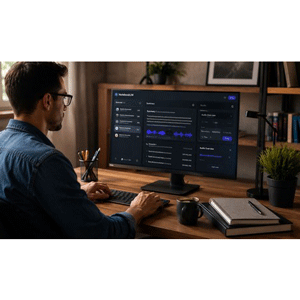
Description
Mastering Google NotebookLM: The Complete Beginner’s Guide is a course on how to use Google NotebookLM as an AI-powered research, learning, and productivity assistant published by Udemy Online Academy. Whether you’re a student, educator, researcher, content creator, business professional, or a lifelong learner, this course will teach you how to use NotebookLM to work smarter, save time, and gain deeper insights from your documents. The course introduces the core features of NotebookLM and shows you how to work with personal documents and authoritative sources to summarize information, ask questions, generate insights, organize research, and understand complex material more efficiently. Individuals will discover how to create and manage notebooks, upload and work with multiple sources, interact with source-based AI responses, produce study materials, and use NotebookLM for research, writing, teaching, and professional workflows.
Throughout the course, you’ll learn how to upload and organize documents, create notebooks for different projects, create detailed summaries, ask intelligent questions about your content, compare different sources, extract key insights, brainstorm ideas, create study materials, and collaborate more effectively using artificial intelligence. Anyone who needs to turn bulky textbooks, recorded lecture files, PDFs, and web articles into study guides, flashcards, or interactive quizzes without getting lost in the text needs this course.
What you will learn in Mastering Google NotebookLM: The Complete Beginner’s Guide:
- Understand how source grounding works to stop AI hallucinations, navigate the workspace interface, and organize your projects by individual themes.
- Import files, web links, YouTube videos, and audio recordings up to 500k words, while syncing living Google Drive files for automatic updates.
- Write effective prompts to analyze multiple documents simultaneously and verify facts instantly using built-in, clickable citation numbers
- Generate professional business briefs, study guides, and multi-style presentation slide decks that export directly to Microsoft PowerPoint.
- Transform heavy, text-dense data into interactive visual mind maps and infographics choosing from ten distinct corporate or instructional styles
- Create realistic two-host audio podcasts, chat directly with the hosts, and generate custom study quizzes with flashcard sorting features
- and …
Course specifications
Publisher: Udemy
Instructors: Arfan M Ismail Ph.D
Language: English
Level: Introductory to Advanced
Number of Lessons: 16
Duration: 1h 21m
Course topics
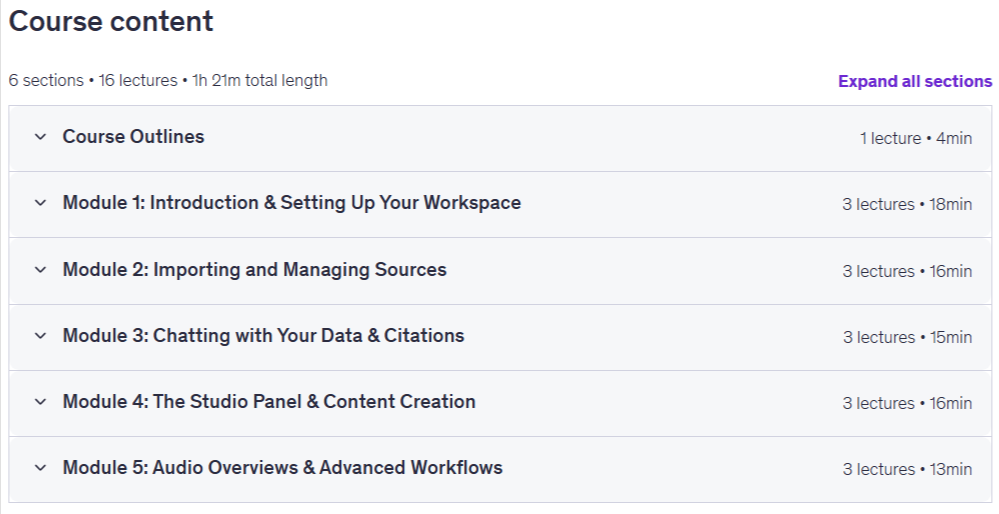
Mastering Google NotebookLM: The Complete Beginner’s Guide Prerequisites
A Google Account: You will need a personal or work Google account to sign in and access the NotebookLM website.
Pictures
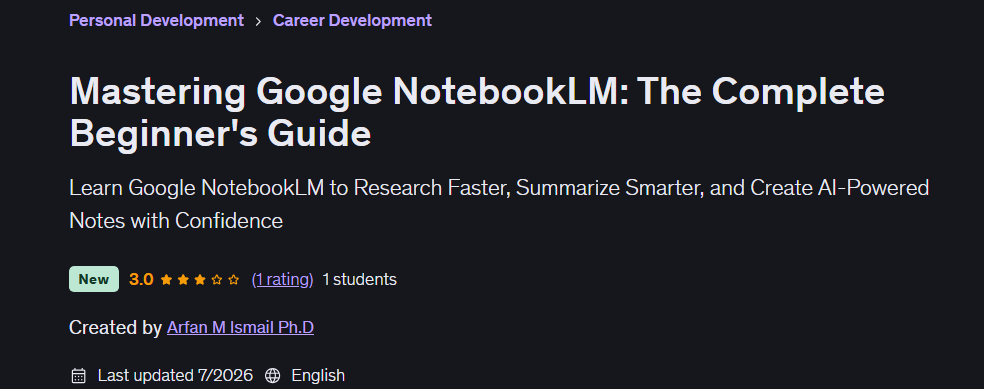
Mastering Google NotebookLM: The Complete Beginner’s Guide introduction video
Installation guide
After Extract, watch with your favorite Player.
Subtitle: None
Quality: 2160p
Downloadly link
Rapidgator link
File password (s): www.downloadly.ir
Size
4.5 GB