


Descriptions
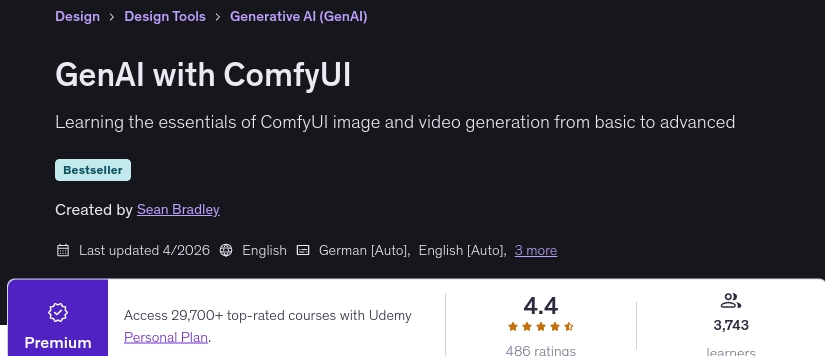
GenAI with ComfyUI, Master the essentials of generative AI image and video generation using ComfyUI, taking your skills from basic concepts to advanced production workflows. This comprehensive course covers foundational node setups, text-to-image, image-to-image, inpainting, outpainting, and layer composition using Stable Diffusion and Flux models. You will explore advanced control mechanisms including Canny, Depth, and OpenPose ControlNets, IP-Adapters, and model checkpoint comparisons.
Additionally, you will dive into cutting-edge AI video generation and editing techniques using Stable Video Diffusion (SVD), AnimateDiff, LTX-Video, Wan 2.2, and Qwen models. Through hands-on exercises, you will learn to build complex workflows for character LoRA generation, lip-syncing, video frame interpolation, and character replacement. By the end of this course, you will possess the practical expertise to build and optimize custom generative AI workflows for digital media and visual art.
What you’ll learn
- Installing ComfyUI & Manager
- Text to Image
- Image to Image
- Inpainting
- Outpainting
- Layer Composition
- ERSGAN
- Model Checkpoint Comparison
- Flux Schnell, Dev and Kontext
- Canny, Depth and OpenPose ControlNets
- IP-Adapters for SD1.5, SDXL and Flux
- Stable Video Diffusion (SVD)
- Frame Interpolation
- Video Helper Suite
- ControlNets from Videos
- ControlNeXt-SVD
- AnimateDiff
- LTXV Text, Image & IC Pose to Video
- Lip Sync with Sonic
- Wan2.2 T2V, I2V, FLF2V, S2V, VACE & Animate
- Character LoRA Generation
- Qwen Image & Qwen Edit workflows
Who this course is for
- Digital artists
- Content creators
- Creative developers
- AI enthusiasts
Specificatoin of GenAI with ComfyUI
- Publisher : Udemy
- Teacher : Sean Bradley
- Language : English
- Level : Beginner
- Number of Course : 44
- Duration : 10 hours and 4 minutes
Content of GenAI with ComfyUI

Requirements
- A personal computer with a 20 series or above Nvidia GPU
Pictures
Sample Clip
Installation Guide
Extract the files and watch with your favorite player
Subtitle : English
Quality: 720
Download Links
Password file(s): www.downloadly.ir
File size
10.16 GB