


Description
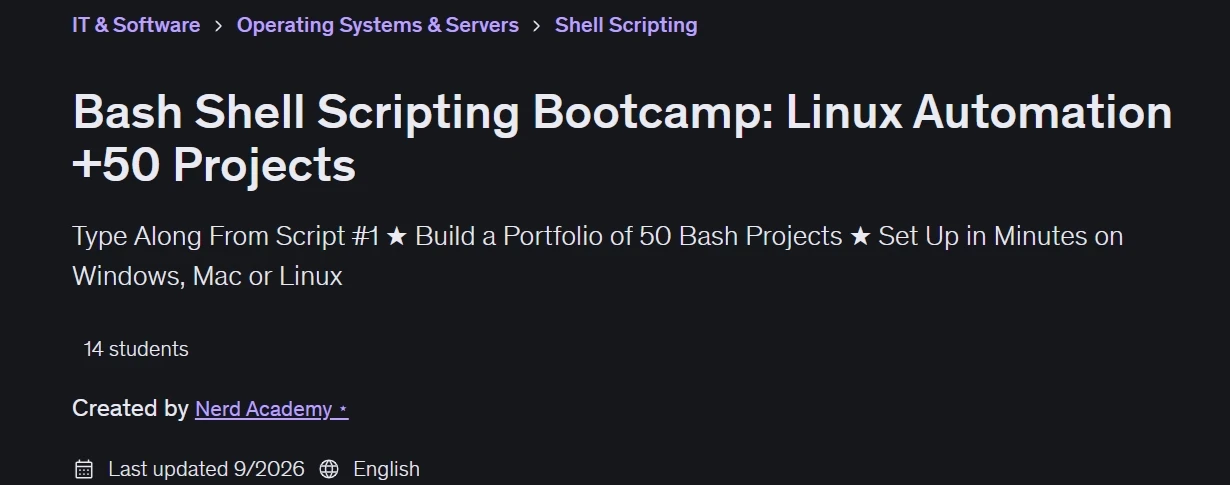
“Bash Shell Scripting Bootcamp: Linux Automation +50 Projects” is a course on mastering Bash shell scripting, published by the online academy Udemy. You begin with essential Bash concepts—such as variables, operators, conditionals, loops, functions, input handling, command-line arguments, and file management—before moving on to more advanced scripting techniques. From the very first script, you type along with the instructor in your own terminal; everything runs on a simple Ubuntu installation that takes just minutes to set up on Windows, macOS, or Linux. Through hands-on projects, you learn to automate repetitive tasks, process text and system information, manage files and processes, work with commands and pipelines, and build reusable scripts for real-world scenarios. Each of the 50+ hands-on projects comes with a complete solution against which you can compare your work.
You will gain an understanding of exactly how Bash executes your code—including exit codes, quoting, environment variables, and why scripts behave differently than your interactive shell. You will also learn to confidently troubleshoot broken scripts: reading errors, tracing execution line-by-line, and writing clean, reusable code. The course emphasizes learning by doing, helping you strengthen your Linux command-line skills alongside your problem-solving and automation capabilities. You will build a scripting foundation expected in any Linux, DevOps, or cloud role—the very skill that distinguishes system administrators from average users. Whether you are a beginner learning Bash for the first time, or a developer, system administrator, DevOps specialist, or cybersecurity enthusiast looking to enhance your Linux automation skills, this bootcamp provides extensive hands-on practice in writing efficient and practical Bash scripts.
What you will learn in Bash Shell Scripting Bootcamp: Linux Automation +50 Projects:
- Write Bash scripts from scratch — variables, conditionals, loops, functions & command-line arguments — typed along with me in your own terminal.
- Automate repetitive Linux tasks with scripts you build yourself across 50 hands-on projects, each with a full solution to check your work against.
- Follow along from the very first script — everything runs on a plain Ubuntu install, set up in minutes on Windows, Mac or Linux.
- Build the scripting foundation every Linux, DevOps & cloud role assumes you have — the skill that separates users from administrators.
- Understand how Bash actually runs your code — exit codes, quoting, environment variables, and why scripts behave differently than your interactive shell.
- Debug broken scripts with confidence — read the error, trace execution line by line, and write clean code you’ll actually reuse.
- and …
Course specifications
Publisher: Udemy
Instructors: Nerd Academy ⭑
Language: English
Level: Introductory to Advanced
Number of Lessons: 45
Duration: 8 hours and 6 minutes
Course topics
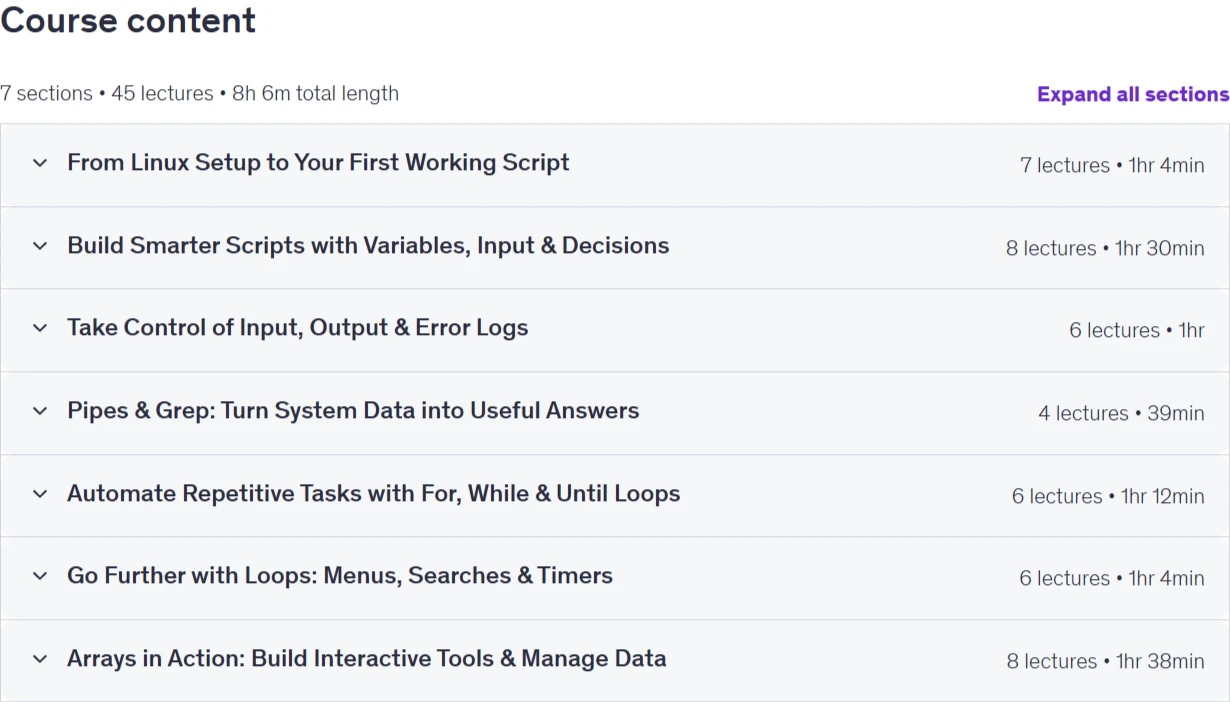
Bash Shell Scripting Bootcamp: Linux Automation +50 Projects Prerequisites
Just Bring Your Curiosity: No prerequisites—just an eagerness to learn!
Beginner-Friendly: This course assumes no prior knowledge and is perfect for beginners.
Open to Everyone: No background in scripting or coding required. If you can use a computer, you can take this course.
No Prior Knowledge Required: This course is designed to take you from beginner to advanced, no prior experience needed.
Pictures
Bash Shell Scripting Bootcamp: Linux Automation +50 Projects introduction video
Installation guide
After Extract, watch with your favorite Player.
Subtitle: None
Quality: 1080p
Downloadly link
Rapidgator link
File password (s): www.downloadly.ir
Size
4.8 GB