

Description
GitHub Copilot for Developers: Code Faster With AI Agents. This comprehensive course teaches developers how to take GitHub Copilot beyond simple auto-completion tools and dramatically speed up coding and software development with AI agents. GitHub Copilot is no longer just a simple code completion tool, but a powerful AI-powered engineering assistant that can generate new features, refactor systems, write tests, investigate security issues, and manage complex workflows using agents. However, most developers only use 10-20% of the true capacity of this advanced tool. This course is designed to help developers learn how the technology works, from building structured AI workflows using script files, custom agents, and agent skills. This training program is not a boring theoretical course, but a practical and prioritized mastery program for developers that focuses on real coding workflows. The course structure is divided into three distinct phases; in the first phase, learners are introduced to the basic principles and thinking of AI, context windows, tokens, and the difference in language models to have full control over prompts. In the second phase, practical use of CoPilot in everyday tasks such as linear suggestions, different chat modes, and session management is taught. In the third and advanced phase, developers learn how to engineer a complete and modern workflow using script files, custom agents, model context protocol, and management of local, backend, and cloud agents, and release high-quality software products with high confidence.
What you will learn
- Understanding the internal structure: Master how GitHub Copilot works, prompts, tokens, models, and context windows to better control outputs.
- Applied Prompt Engineering: Using structured techniques to get accurate code ready for deployment in a production environment.
- Actual development tasks: Using Copilot to generate code, fix bugs, refactor old code, and document projects.
- Test generation and performance improvement: Automatically generate meaningful unit tests and improve code performance and security using AI suggestions.
- Vulnerability detection: Discover potential security issues and improve secure coding practices with the help of artificial intelligence.
- Mastering copilot modes: Effective use of agent, question, planning, and editing modes in appropriate situations.
- Instruction files: Create and structure powerful instruction files to control AI behavior in various projects.
- Custom Agents: Build and manage custom AI agents with reusable prompt architecture and specialized skills.
- Designing Workflows: Using Local, Backend, and Cloud Agents for Scalable Development with AI.
- Comprehensive implementation: Fully integrate AI into the software development lifecycle for faster coding and reliable software releases.
This course is suitable for people who:
- Software developers: Programmers who know the basics of coding and want to speed up their work by using artificial intelligence.
- Computer Science Students: People who want to learn AI-assisted development from the most basic and correct principles.
- Working professionals: Software industry professionals who plan to systematically integrate GitHub Copilot into their real-world workflows.
- Curious Engineers: People who are interested in artificial intelligence agents and modern software development practices.
- Productivity Boosters: Anyone who can write code and wants to multiply their productivity by using structured workflows.
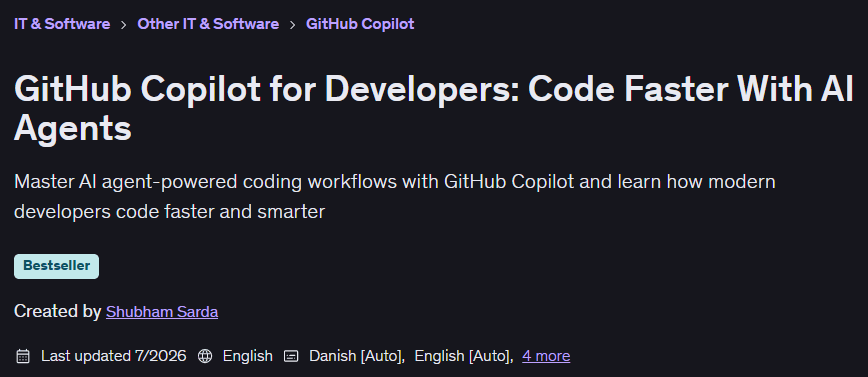
GitHub Copilot for Developers: Code Faster With AI Agents Course Details
- Publisher: Udemy
- Instructor: Shubham Sarda
- Training level: Beginner to advanced
- Training duration: 4 hours and 19 minutes
- Number of lessons: 34
Course topics

Prerequisites for the GitHub Copilot for Developers: Code Faster With AI Agents course
- Basic knowledge of programming
- Basic knowledge of Git & Github
Course images
Sample course video
Installation Guide
After Extract, view with your favorite player.
Subtitles: None
Quality: 1080p
Download link
Rapidgator link
File(s) password: www.downloadly.ir
File size
2.2 GB