


Description
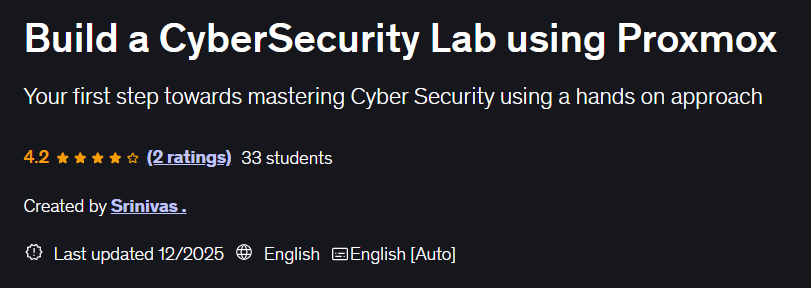
Build a CyberSecurity Lab using Proxmox. This course teaches you step-by-step how to build a professional cybersecurity lab using Proxmox software. You will learn how to set up a secure virtual environment from scratch to practice security techniques, penetration testing, and malware analysis. The course starts with basic security and installation basics and moves on to advanced configurations such as creating virtual machines with different operating systems, setting up isolated networks, and installing essential tools such as Wireshark, Nmap, and Metasploot. It also covers creating vulnerable machines for ethical hacking, malware analysis environments, intrusion detection systems (IDS), and monitoring and logging solutions. This course is designed for security professionals, IT managers, and enthusiasts. No prior experience is required, only basic computer knowledge and a willingness to learn. By the end of the course, you will have a fully operational lab that can be used for certification exam preparation, continuing education, and research into security threats. You will also learn best practices for maintaining and updating this lab to combat new threats.
What you will learn
- Cybersecurity enthusiasts
- Penetration testers
- Red Team Operation Enthusiasts
- Cybersecurity Trainers
This course is suitable for people who:
- Cybersecurity experts
Course details: Build a CyberSecurity Lab using Proxmox
- Publisher: Udemy
- Instructor: Srinivas.
- Training level: Beginner to advanced
- Training duration: 3 hours and 4 minutes
- Number of lessons: 25
Course topics

Prerequisites for the Build a CyberSecurity Lab using Proxmox course
- Basic experience using Virtual Machines is recommended but not mandatory
Course images
Sample course video
Installation Guide
After Extract, view with your favorite player.
Subtitles: English
Quality: 1080p
Changes:
Version 2025/12 compared to 2025/8 has increased by 5 lessons and 1 hours and 2 minutes in duration. English subtitles were also added to the course. The course quality has also been increased from 720p to 1080p.
Download link
Downloadly
Rapidgator
File(s) password: www.downloadly.ir
File size
1.68 GB
4 Comments. Leave new
Salam
Please Last updated 12/2025 with 9 sections • 25 lectures • 3h 4m total length
Thanks
Salaam
Not available
Can u upload it to rapidgator please?
Hi
Added