


Description
Revo Uninstaller Pro is a software that can completely uninstall software and programs installed on your system and even delete files and information about these programs. Also with Revo Uninstaller Pro you are able to remove all Internet traces and manage your Startup system and Windows Registry. The most important feature of this software is to find hidden files installed on the system and delete them by this software.
Features of Revo Uninstaller Pro:
– Completely uninstall the installed software
– Ability to remove inactive software
– Optimize Windows registry
– Completely delete all traces in the browser
– Clear file search history in Windows
– Delete files and folders left in the Recycle Bin
– Clear history of the last registry key opened
– Ability to delete temporary Windows files
– Ability to fully manage Windows startups
– Ability to remove URLs from the browser
– Ability to delete file history in MS Access
– Has most Windows tools like Disk Defragmenter, Network Diagnostics, System Restore, Security Center
– Ability to clear and delete History of Internet browsers such as Opera, Netscape, Internet Explorer and Firefox
– Ability to fully display the details of installed applications such as company name, software version, installation path, manufacturer site address
– New Hunter mode for removing and deleting programs
– Drag & Drop system support
System Requirements
32-bit and 64-bit versions of Windows Vista, 7, 8, 8.1, 10, 11 and Windows Server Editions
512MB RAM
65MB HDD Free Space
800MHz Pentium-Compatible CPU
Picture
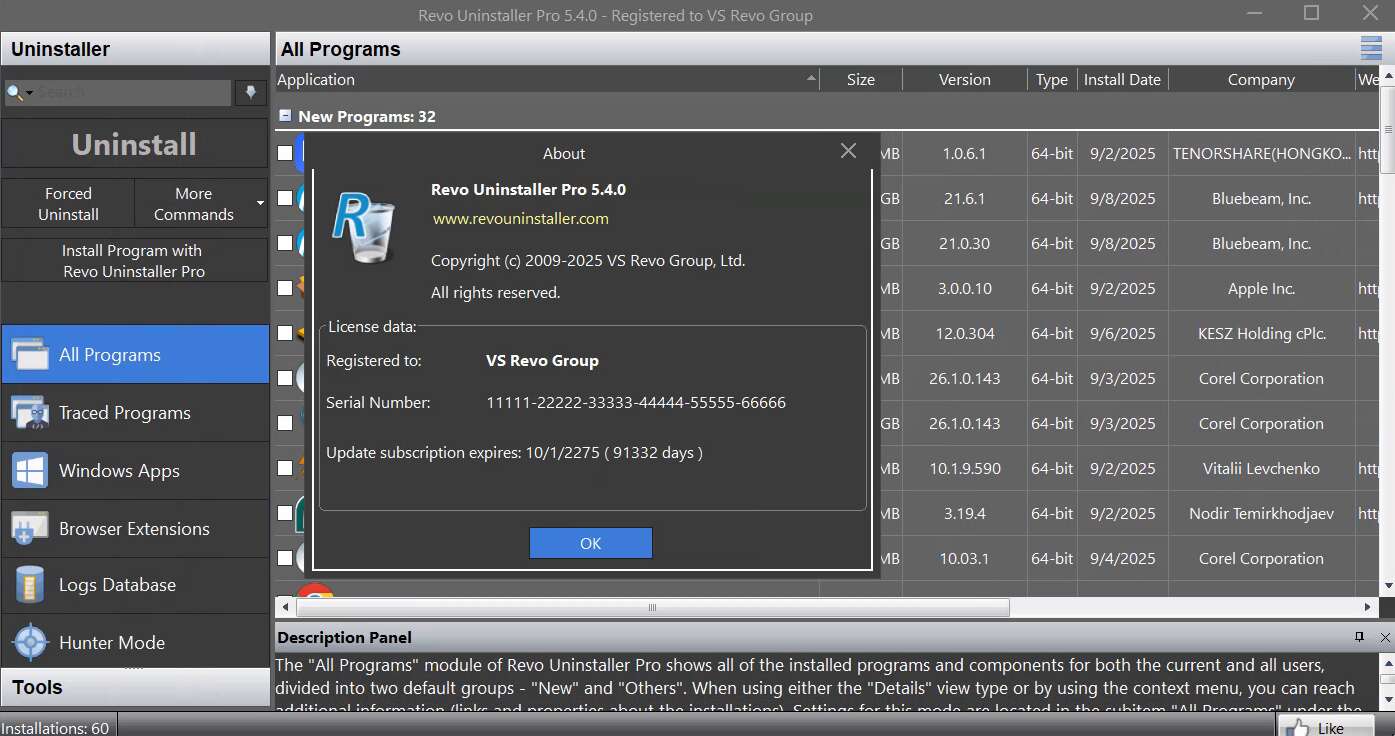
Installation guide
Read the Readme.txt file in the Crack folder.
Version 5.2 was installed and successfully activated on Windows 10 64-bit edition on October 12, 2023.
Version 5.4 was installed and successfully activated on Windows 10 64-bit edition on September 9, 2025.
Download Links
Download Revo Uninstaller Pro 5.5.4 Multilingual
Download Revo Uninstaller Pro 5.4 Multilingual (Tested)
Download Revo Uninstaller Pro 5.2 Multilingual (Tested)
Download Revo Uninstaller Pro 5.0.6 Multilanguage Portable
File password (s): www.downloadly.ir
Size
Installed version: 17 MB
Portable Version: 22 MB
6 Comments. Leave new
The license is not working — the software is still asking for registration!
Hi, you have to first run the program (after installation); once you have run it, close it and paste the “revouninstallerpro5.lic” in the “C:\ProgramData\VS Revo Group\Revo Uninstaller Pro” directory.
I installed Revo Uninstaller Pro 5.2.0 in Windows 10 on two different PCs (32 bit and 64 bit), after uninstalling the previous Revo Uninstaller Free 2.5.0.
As indicated in Readme.txt, I started Revo Uninstaller Pro once and closed it.
Then I copied the file revouninstallerpro5.lic to the installation folder.
Crack does not work: unregistered version, days left: 29 !
Same result with version 5.3.2
Hi
As stated in the readme, you should copy the license file to this location: C:\ProgramData\VS Revo Group\Revo Uninstaller Pro\
License it is not working, software still ask for registration!
After installation, disconnect the program from the Internet and copy the license file (revouninstallerpro4.lic) in the Crack folder to C: \ ProgramData \ VS Revo Group \ Revo Uninstaller Pro and replace the existing test license.