

Descriptions
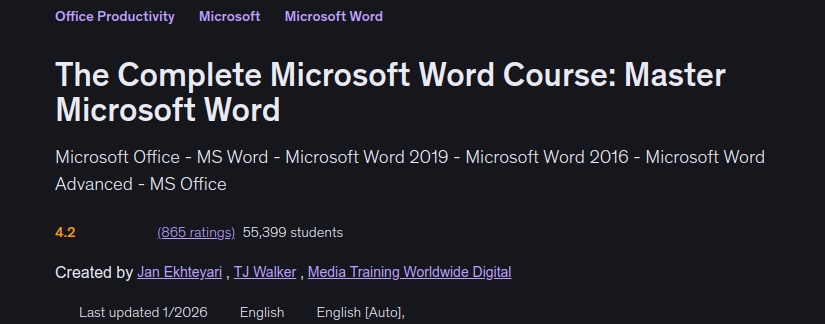
The Complete Microsoft Word Course: Master Microsoft Word, The Complete Microsoft Word Course: Master Microsoft Word — Microsoft Office, MS Word, Microsoft Word 2019, Microsoft Word 2016, Microsoft Word Advanced, and MS Office. Microsoft Word (often called Word) is a graphical word-processing program developed by Microsoft. It allows users to type and save documents and supports personal, business, and office tasks. You can work with Word on a phone, tablet, or desktop, wherever you are. Microsoft Word provides a wide range of tools and features for office work. In this course, you will learn how to use these tools through practical projects designed to help you understand the application and develop your Microsoft Word skills.
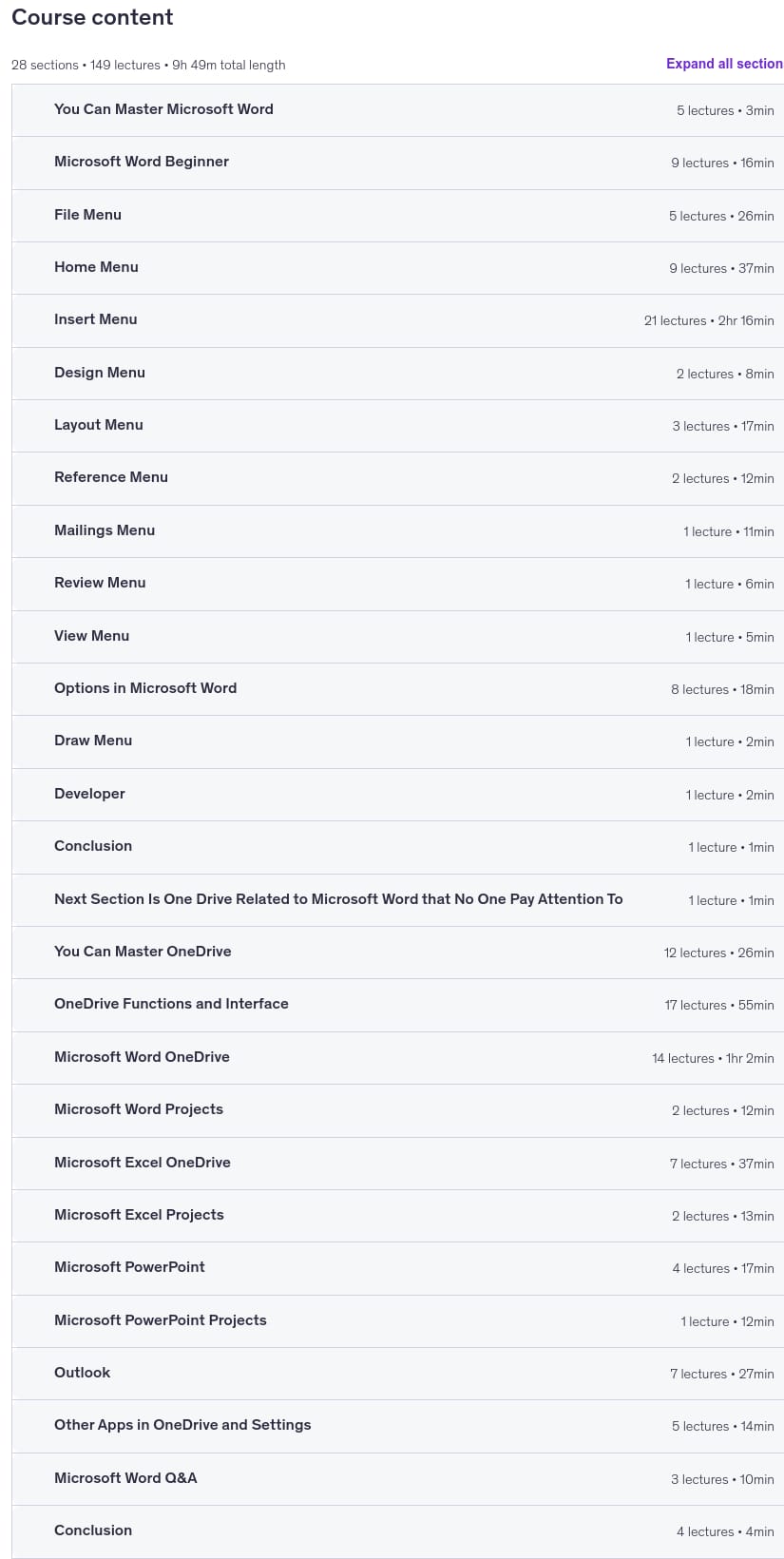
By taking this course, you will learn different ways to launch and use Word; navigate its interface and work environment; create, manage, open, and recover documents, including unsaved files; create blank documents; view document information; protect documents from unauthorized reading and editing; configure page layouts; share and explore documents; manage the clipboard and cut, copy, and paste operations; customize fonts and paragraphs; apply font styles; use editing tools such as Find, Replace, and the Selection Pane; insert and customize cover pages and tables; create invoices, certificates, attendance sheets, and CVs; insert and manage pictures, shapes, SmartArt, charts, and screenshots; analyze templates; create bookmarks and cross-references; manage comments, headers, and footers; customize document colors, fonts, backgrounds, and borders; configure page settings, sections, and paragraph indentation; create tables of contents, insert citations and tables of figures, and use other tools in the References menu; manage mailings and review documents; configure Word options and settings, including display, proofing, saving, accessibility, and advanced settings; customize the Ribbon and Quick Access Toolbar; use keyboard shortcuts and the Draw and Developer menus; and work with OneDrive as Microsoft Word’s cloud storage solution. Join the course to develop your skills and master Microsoft Word.
What you’ll learn
- How to Open Microsoft Word
- Work with the Start Home Page of Microsoft Word
- Create a New Blank Template in Microsoft Word
- Open an Existing File in Microsoft Word
- Recover an Unsaved File in Microsoft Word
- Understand the Microsoft Word Interface
- View Information in the File Menu of Microsoft Word
- Save Documents Using the File Menu in Microsoft Word
- Manage Print Settings in Microsoft Word
- Share and Export Documents Using the File Menu in Microsoft Word
- Manage the Clipboard in the Home Menu of Microsoft Word
- Customize Fonts in the Home Menu of Microsoft Word
- Customize Paragraphs in the Home Menu of Microsoft Word
- Use the Clipboard Manager in Microsoft Word
- Show Paragraph Formatting Marks in Microsoft Word
- Set Up Fonts in the Home Menu of Microsoft Word
- Configure Paragraph Settings in the Home Menu of Microsoft Word
- Apply Font Styles in the Home Menu of Microsoft Word
- Use Editing Options in the Home Menu of Microsoft Word
- Insert Cover Pages in Microsoft Word
Who this course is for
- Everyone
- Students
- Teachers
- Mentors
- Employees
- IT Professionals
- CEOs
Specificatoin of The Complete Microsoft Word Course: Master Microsoft Word
- Publisher : Udemy
- Teacher : Jan Ekhteyari , TJ Walker , Media Training Worldwide Digital
- Language : English
- Level : All Levels
- Duration : 9 hours and 48 minutes
Content of The Complete Microsoft Word Course: Master Microsoft Word
Requirements
- No Previous Experience Necessary!
- Willingness to Learn 🙂
Pictures
Sample Clip
Installation Guide
Extract the files and watch with your favorite player
Subtitle : Not Available
Quality: 1080p
Download Links
Password file(s): www.downloadly.ir
File size
4.33 GB