


Descriptions
n8n for Beginners: Google Workspace Automation with AI, Learn to automate Google Docs, Google Sheets, Google Drive, and Gmail—all for free on your own computer using n8n and AI workflows. This comprehensive beginner-friendly course guides you step-by-step from local installation with Docker to creating powerful, no-code automations for business and personal productivity.
Throughout the course, you will connect AI models via OpenRouter or free local tools like Ollama and LM Studio to automate content creation, email management, lead tracking, social media posting, and document processing. By working through hands-on projects—such as building grammar checkers, content rewriters, AI humanizers, and job-tailored resume generators—you will gain the skills to build, customize, and deploy end-to-end automation pipelines from scratch.
What you’ll learn
- Install n8n locally (totally free) or on a VPS, and understand the difference between local and cloud setups.
- Navigate the n8n interface confidently, including workflows, node types, and how to connect Google accounts securely.
- Automate Google Drive by creating folders automatically, organising files, and checking for new files.
- Use Google Sheets as part of your automations by writing data to sheets, reading it back, and working with the data.
- Connect AI to your workflows using OpenRouter, local AI (free) and the AI Agent node.
- Automate Google Docs to create and update documents, generate article outlines, expand them into full articles, and post to WordPress.
- Build Gmail automations that check for new emails, add leads to a sheet, and send automated replies.
- Build a Content Tone Rewriter – rewrite any piece of content in a different tone, e.g. professional, friendly, or persuasive.
- Build a Grammar Correction Tool – to check spelling and grammar. And a complete line editor.
- Build an AI Humanizer – check your content for AI ‘tells’ so you can make your AI-generated content sound like it was written by a human.
- Create a Social Media Factory – Take an article and generate different versions for social media posts on X, LinkedIn, and Facebook
- Create Job-Specific Resume & Cover Letter Generator – Take a job description, and your current resume, and get AI to generate a better resume & cover letter.
Who this course is for
- This course is for beginners who want to learn how to build practical AI automations with n8n and Google Workspace, without needing to code.
- It is ideal for entrepreneurs, content creators, freelancers, small business owners, virtual assistants, marketers, webmasters, bloggers, and anyone who wants to save time by automating repetitive tasks.
- It is also suitable for people who already use Google Drive, Google Docs, Google Sheets, or Gmail and want to connect these tools together into useful workflows.
- The course is especially useful if you want to use AI for real business tasks, such as creating content, rewriting text, organizing files, managing leads, replying to emails, generating social media posts, or creating customized resumes and cover letters.
Specificatoin of n8n for Beginners: Google Workspace Automation with AI
- Publisher : Udemy
- Teacher : Andrew Williams
- Language : English
- Level : Beginner
- Duration : 7 hours and 4 minutes
Content of n8n for Beginners: Google Workspace Automation with AI

Requirements
- No previous experience with n8n is required. This course is designed for beginners and starts from the basics.
- You will need a computer with an internet connection and a Google account.
- You should also be comfortable using a web browser and following step-by-step instructions.
- You do not need to know how to code. The automations are built visually, one node at a time, and any technical steps are explained as we go.
- No paid AI accounts are required as you can run all AI locally on your own computer.
Pictures
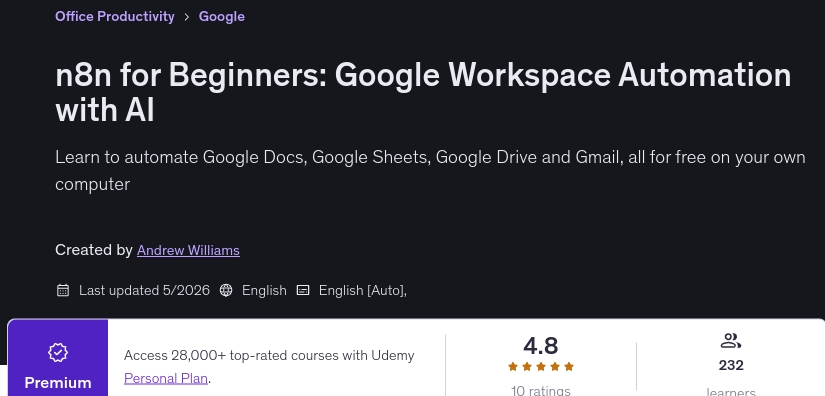
Sample Clip
Installation Guide
Extract the files and watch with your favorite player
Subtitle : Not Available
Quality: 1080p
Download Links
Password file(s): www.downloadly.ir
File size
6.69 GB