


Description
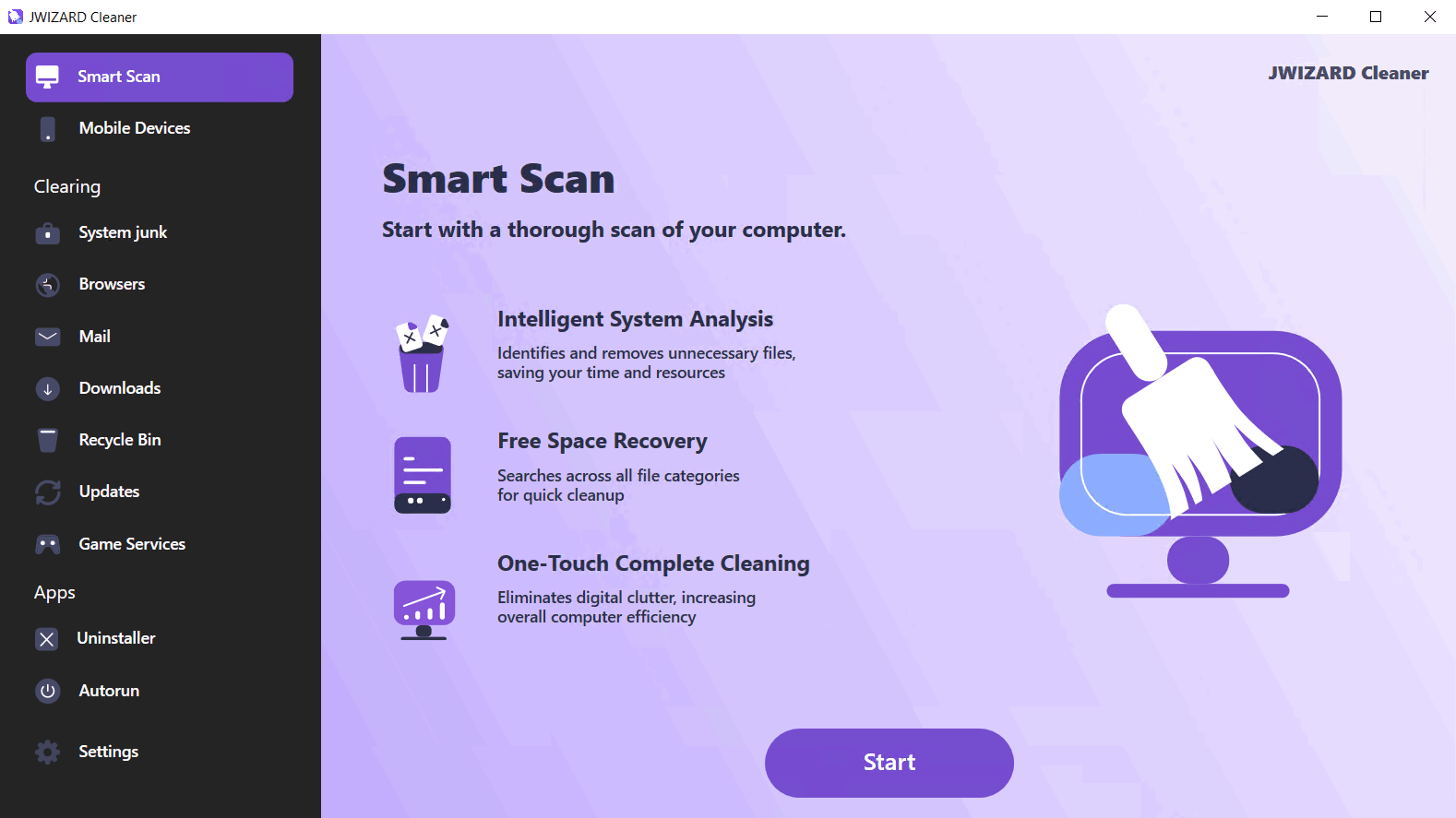
Many users are looking for solutions to remove temporary files, extra information, and leftover files from the system to improve the performance of their computer and operating system. JWiZARD Cleaner software can be very useful in this regard and help users optimize their system and perform better by removing this unnecessary data. This software, with its various capabilities, makes the process of cleaning and organizing the system easier for users.
Program features and functions
- Unnecessary files accumulate in the Windows operating system for various reasons such as installation and removal of programs, temporary system files, and updates. JWiZARD Cleaner scans the computer, identifies all these files, and allows users to easily delete them. This software helps to remove unused files, clear system cache, optimize the registry, and perform other actions to improve Windows performance.
- Excessive accumulation of data such as cache, browser history, and cookies can slow down the browser, cause errors, and even cause it to crash. Regularly clearing browser data is an effective way to optimize performance and increase security while using the Internet. JWiZARD Cleaner simplifies this process for users so that they can easily delete this data and increase the loading speed of web pages.
- JWiZARD Cleaner helps users who don’t have enough time to clean their computers manually to quickly and easily tidy up their system. The software deletes downloaded files, email attachments, and the contents of the Recycle Bin, freeing up disk space.
System requirements
- Operating System: Windows 10 or above (One source mentions Windows 7 or above, but this may be for an older version).
- RAM: At least 4GB.
- Hard Disk Drive (HDD): 10GB of free disk space.
- Processor: Intel, AMD, or Apple Silicon processor.
Pictures
Installation Guide and Tips
Copy and replace the contents of the Crack folder in the software installation location.
Download link
Download JWIZARD Cleaner 1.9.7 Multilingual
File(s) password: www.downloadly.ir
File size
17 MB